Fast check-in and check-out
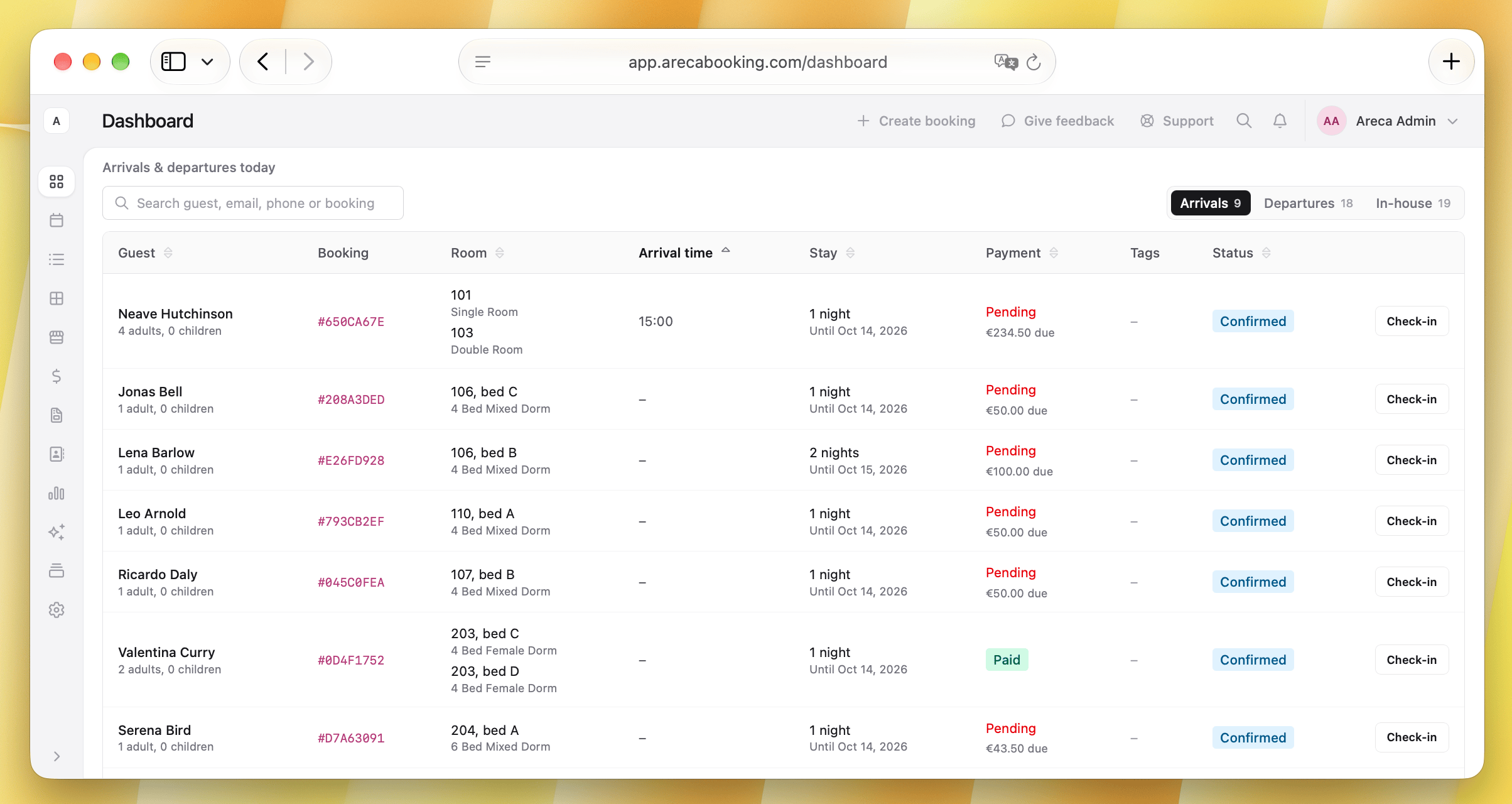
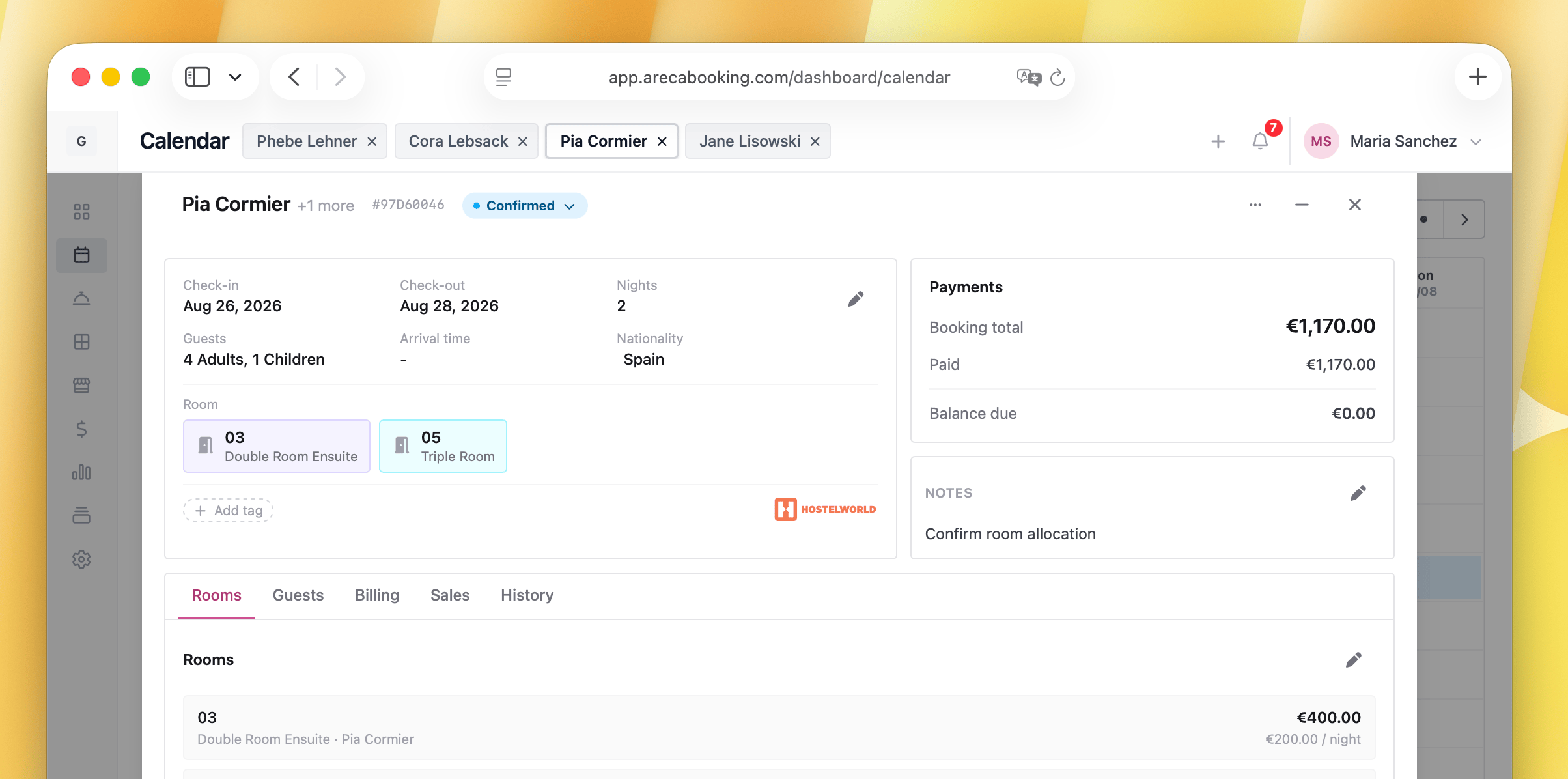
One window with guest details, balance, notes, and tags, so reception can check a guest in or out without hunting for information.
Required guest details
Choose which details you need, like nationality or ID number, or add your own fields. If something is missing, the check-in window asks for it.
Find any booking in seconds
Press ⌘K or Ctrl+K and search by guest name, booking number, phone, or email.
Several bookings open at once
Minimize a booking to a tab in the top bar and come back to it later, without losing your place in the calendar.
Booking tags
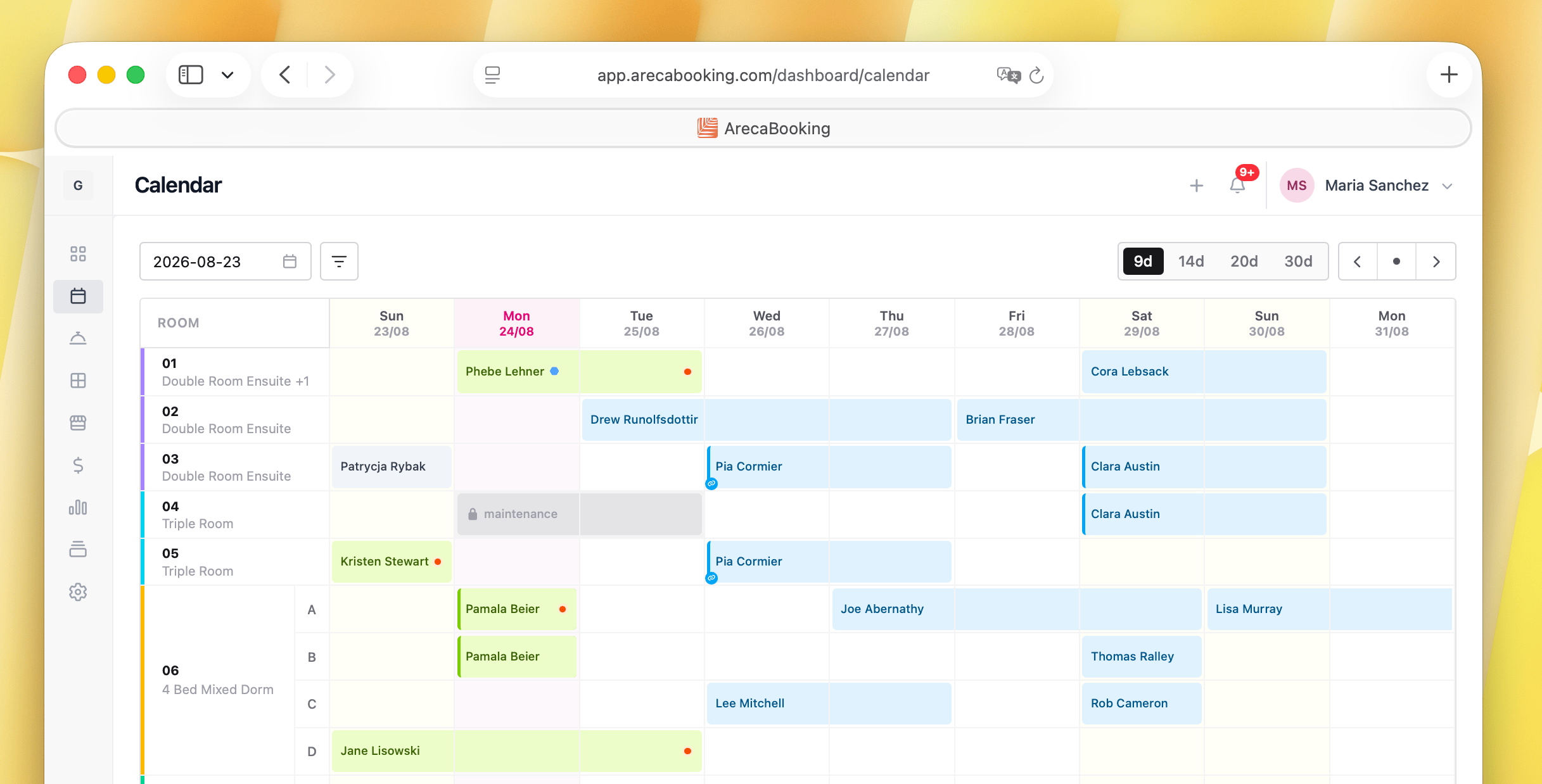
Mark bookings as VIP, returning guest, group, or late arrival, and see the tag in the calendar, the booking list, and at check-in.
Team notes on the dashboard
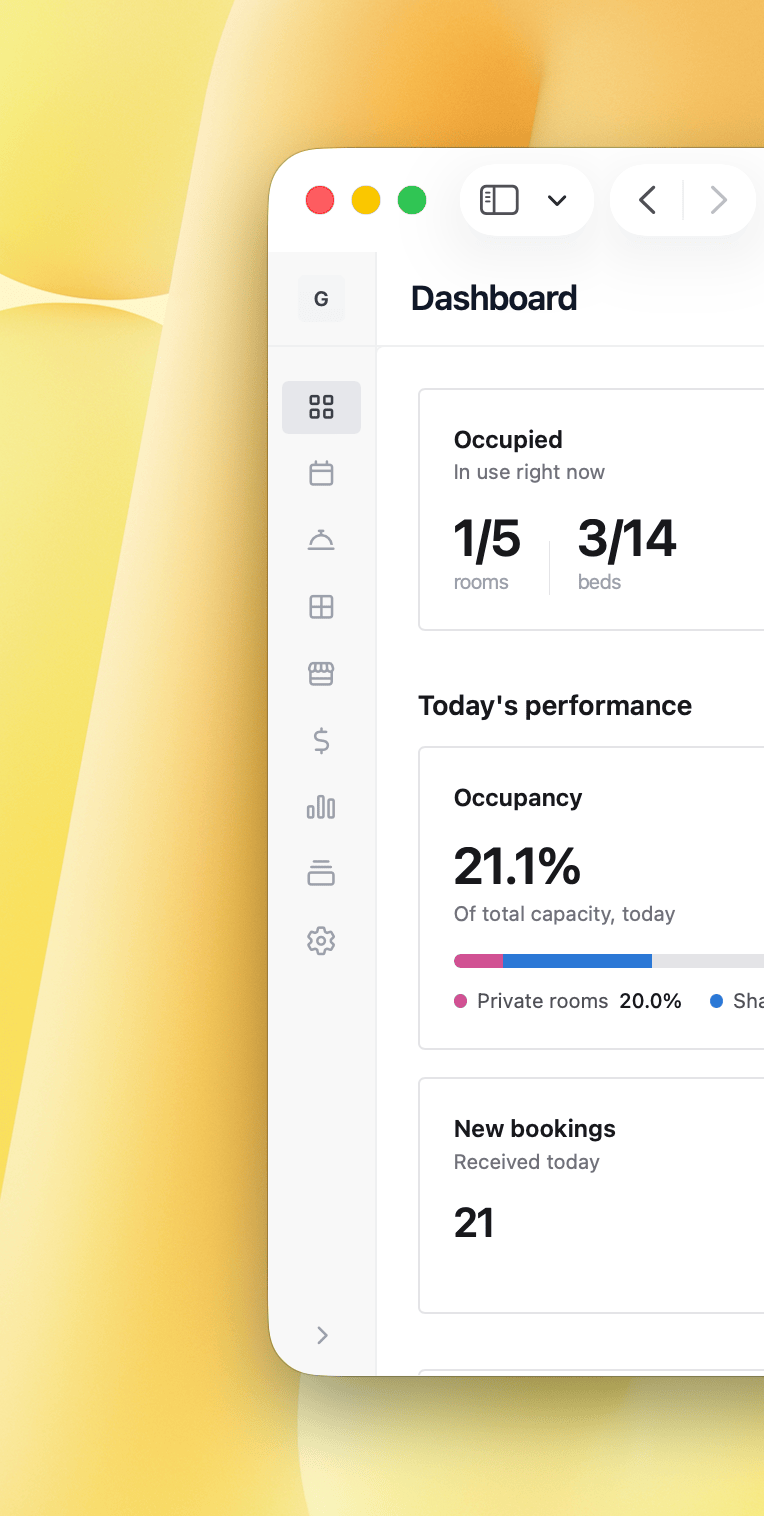
Leave a note for the next shift right on the dashboard, visible to everyone on the team.
Guest profiles
Guest details and stay history in one profile, so you recognize returning guests and know what they booked before.
Beds & rooms
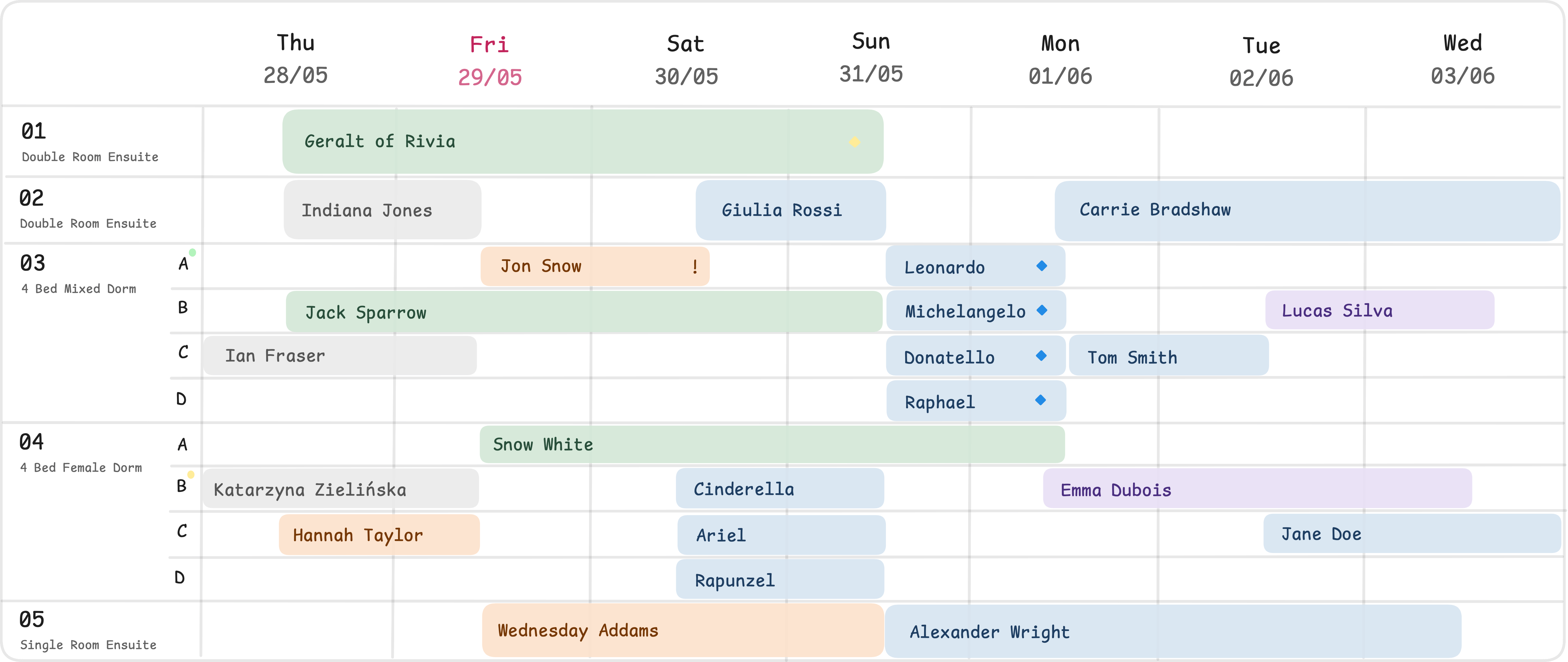
Manage by room or by bed. Areca handles the math for shared dorms automatically, showing you exactly who is where; no manual spreadsheets.
Sell a dorm as beds or as a private room
Offer the same room both ways. Book the whole room and its beds close; book one bed and the private option closes.
Block a room or a single bed
Take a room or one bed out of sale for repairs or staff use. The rest keeps selling.
Seasons
Set prices for high season, holidays, and events once, and they apply to the right dates automatically.
Derived rate plans
Link non-refundable or breakfast-included rates to a base rate by a percentage or a fixed amount.
Stay restrictions
Minimum and maximum stay, closed to arrival or departure, and stop sell for any rate plan and date.
Price suggestions (beta)
Areca looks at occupancy for upcoming nights and suggests where a price could go up or down. You decide what to apply.
Payments and balances
Record payments, deposits, and refunds on each booking and always see what the guest still owes.
Point of sale
Charge breakfast, drinks, laundry, or tours to a guest's booking and settle everything at checkout.
Automatic city tax
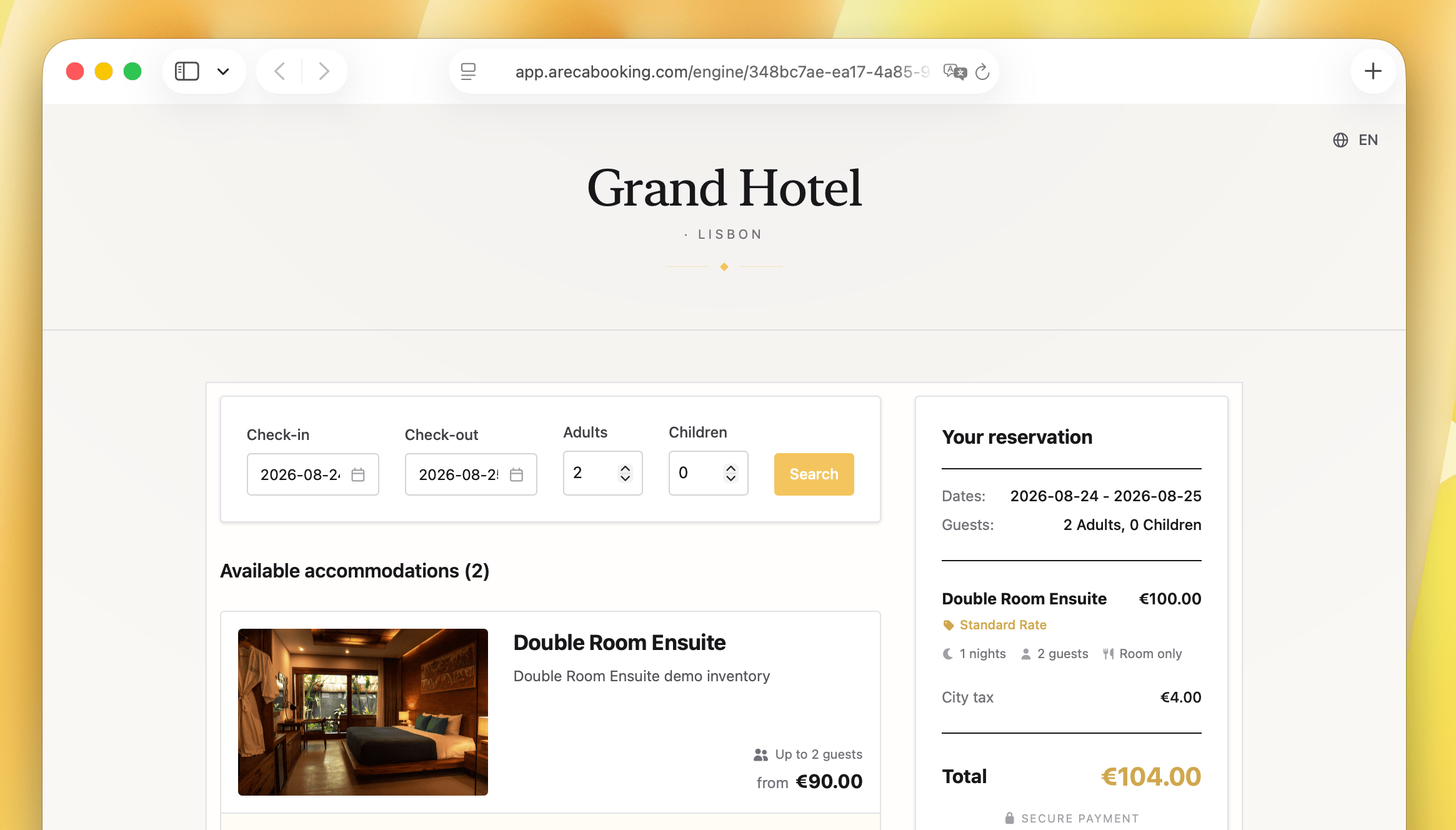
Fixed, percentage, or bracket-based tourist tax calculated per guest and night, with age exemptions for children.
Invoicing & billing
Generate invoices, log the payments you receive, and manage financial records with multi-currency and automatic tax calculations.
Multi-currency
Work in your main currency and accept bookings and payments in others.
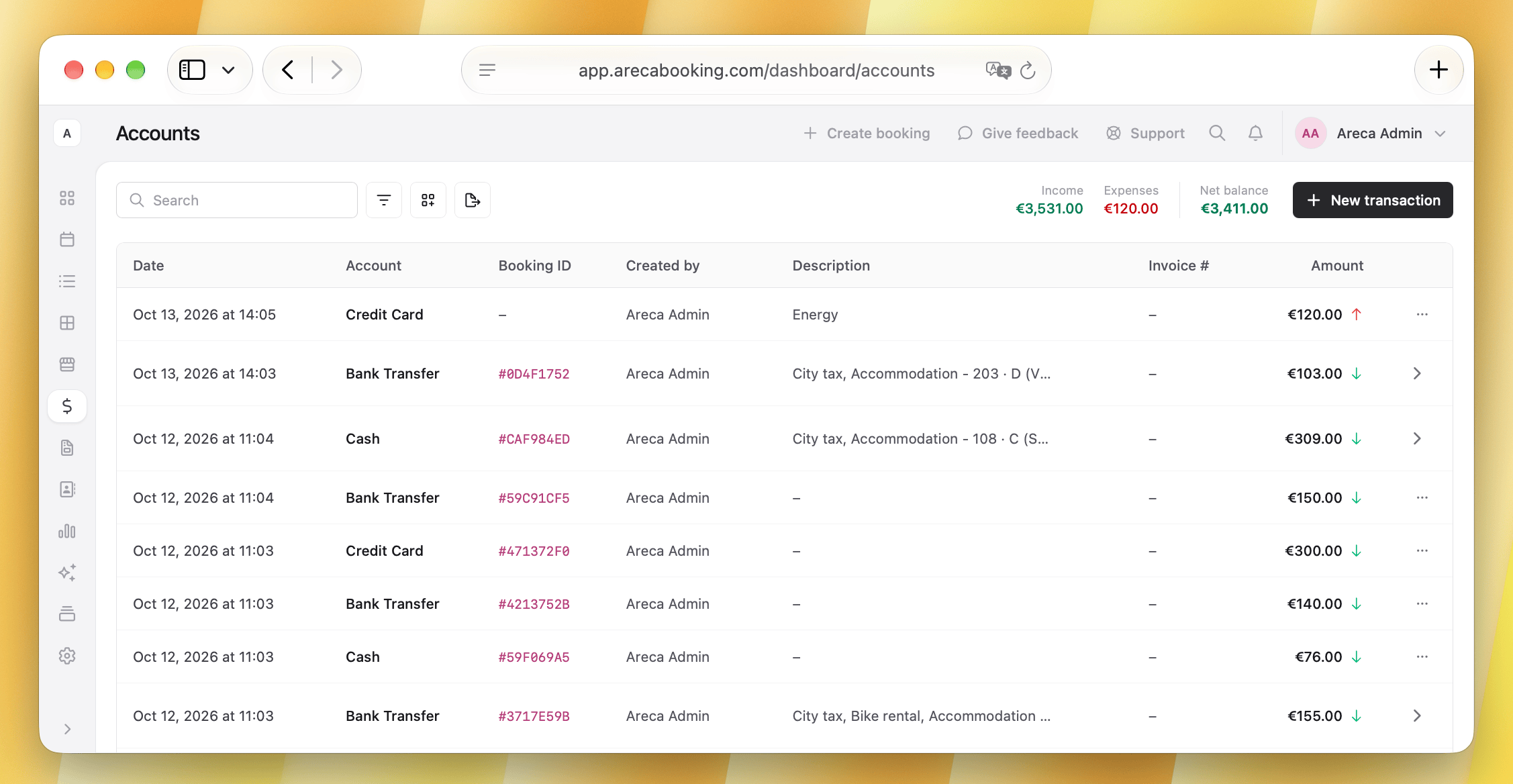
Income and expenses
Track incoming and outgoing transactions in your own categories, not only room revenue.
Occupancy, ADR, and RevPAR
The key numbers for any period, overall and per room type, with dorms counted per bed.
Arrivals, departures, stayovers
Who arrives, leaves, and stays each day, with guest counts, for planning shifts and breakfast.
Booking sources
How many nights and how much revenue come from each OTA, your website, and walk-ins.
Cancellations and no-shows
How many bookings were cancelled or never arrived, where they came from, and the revenue lost.
Payments, extras, and tax
Unpaid balances, best-selling extras, and city tax collected, each in its own report.
Export to Excel or CSV
Download reports for your accountant or your own analysis.
Granular permissions
Set exact rules for your team. Let staff manage bookings while restricting access to pricing, financial settings, or past data overrides.
Data integrity & audit logs
View the history of any booking to see its balance, status, or total as it was on any selected day. Know exactly what happened, when. Fully audit-ready.
Multi-property
Switch between your hotel, hostel, or B&B from a single account. Centralized reporting across all locations.
Automatic confirmation emails
Guests get a confirmation with your check-in details and house rules, in wording you can edit.
Booking notifications
Get notified about new, changed, and cancelled bookings, and choose which ones you want.
REST API and webhooks
Connect your own tools with API keys, and receive signed webhooks when a booking is created, changed, or checked in.
Ask your AI assistant (beta)
Connect Claude, ChatGPT, or another MCP-ready assistant and ask in plain words who arrives tomorrow or what is free this weekend. Read-only.