Two-way sync
Real-time bidirectional sync of reservations, rates, and availability across all channels.
Overbooking protection
Automatic inventory management prevents double bookings before they happen.
Regular safety check
Besides instant updates, Areca regularly compares what your channels show with what is really free and corrects any difference, even after a change nobody announced.
Calendar changes reach the channels
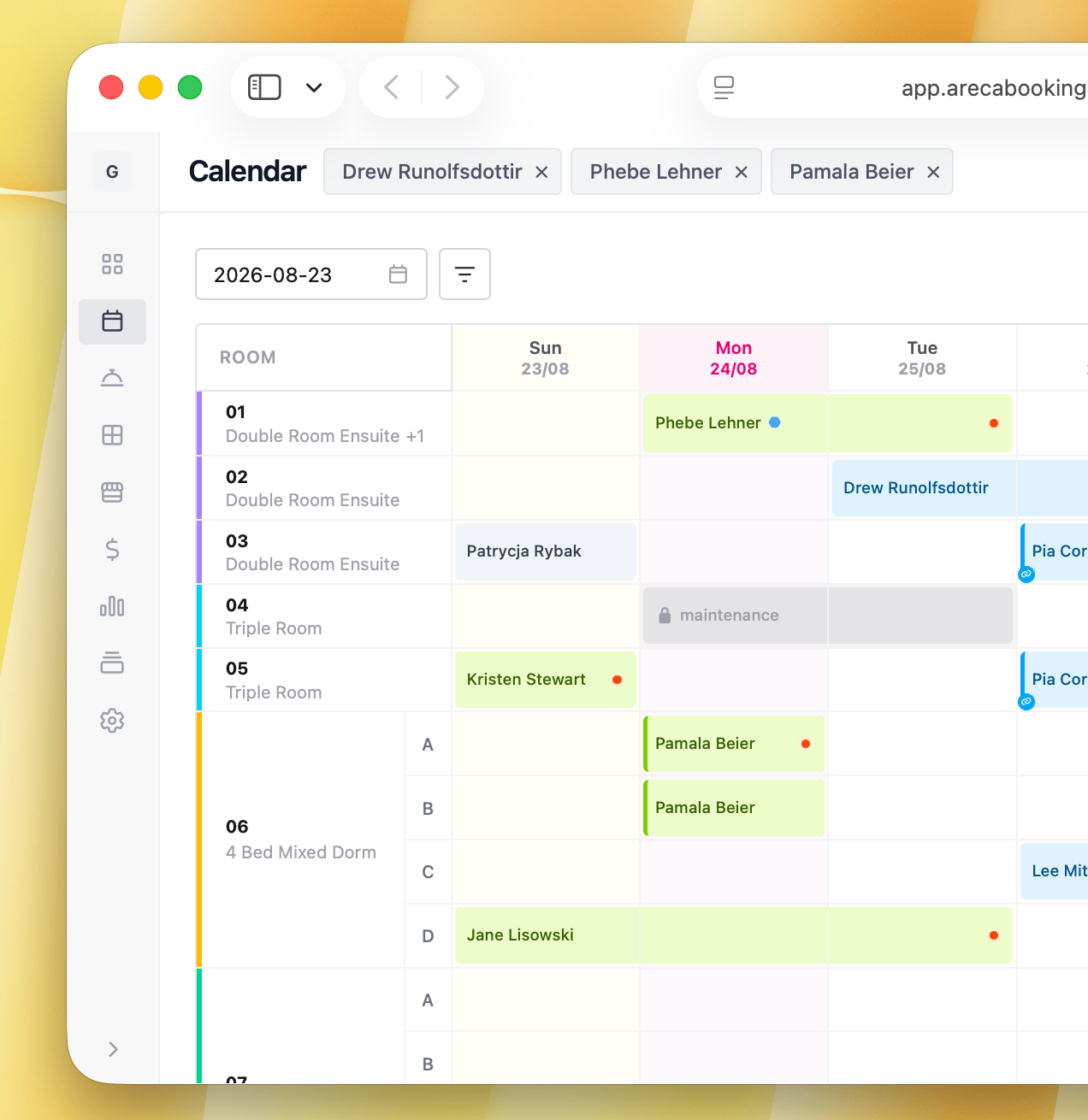
Move a booking, extend a stay, or add a room in the calendar, and the new availability goes out to every channel without an extra click.
Room blocks close sales everywhere
Block a room or a single dorm bed for repairs or private use, and it stops selling on every connected channel at once.
Archived rates leave the OTAs too
Archive a rate plan or room type in Areca and it is taken off your channels too, so nobody can book an offer you no longer sell.
Derived rates
Set a base price and link other rate plans to it by a percentage or a fixed amount, like non-refundable or breakfast included. Change the base and every linked rate follows.
Seasonal prices
Give high season, holidays, and events their own prices once, and the right price is sent to each channel for each night.
Minimum and maximum stay
Require two nights over a festival weekend or cap long stays, and the rule is applied on every channel.
Closed to arrival and departure
Stop check-ins or check-outs on chosen days, for example no Saturday arrivals, without closing the whole night.
Stop sell
Close a rate plan on selected dates while the rest of your offer stays open.
Only changes are sent
Areca sends only the dates and values that actually changed, so updates are fast and your channels are not flooded with repeated data.
OTA bookings land in your calendar
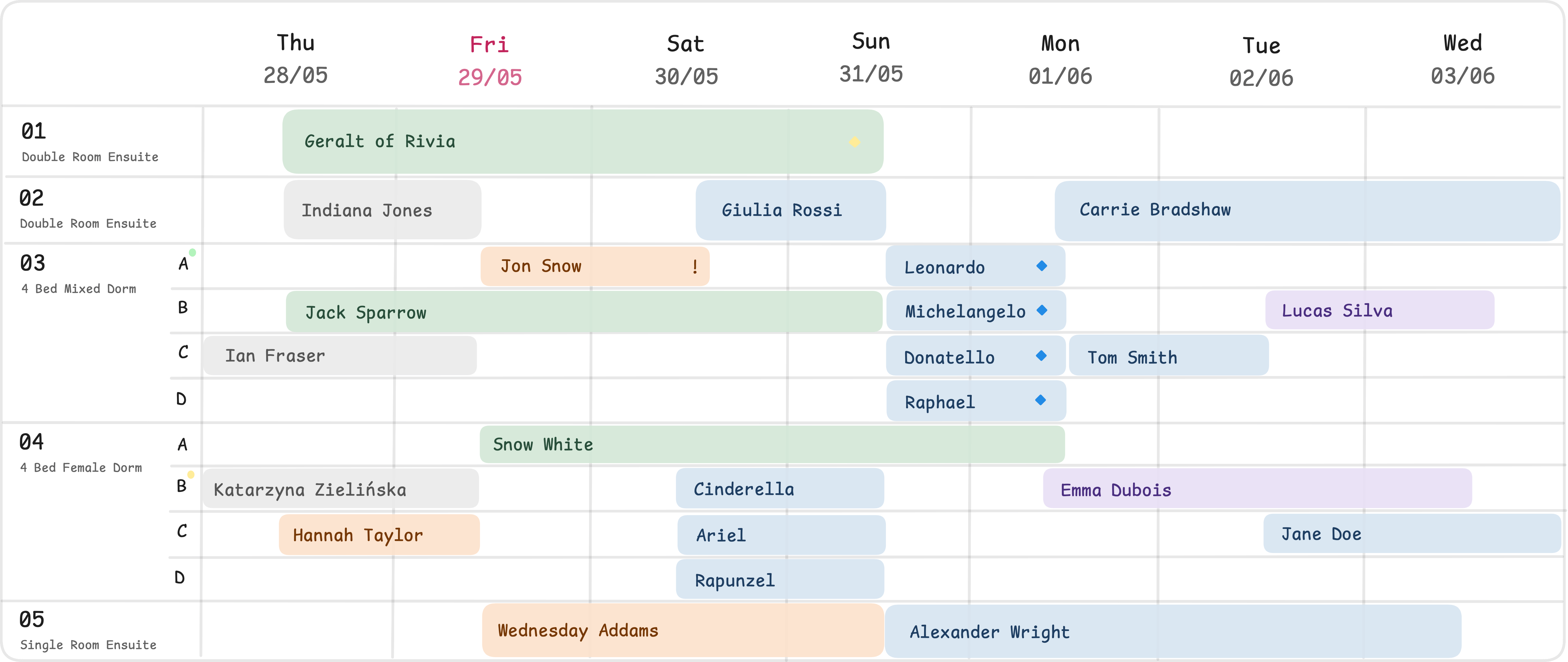
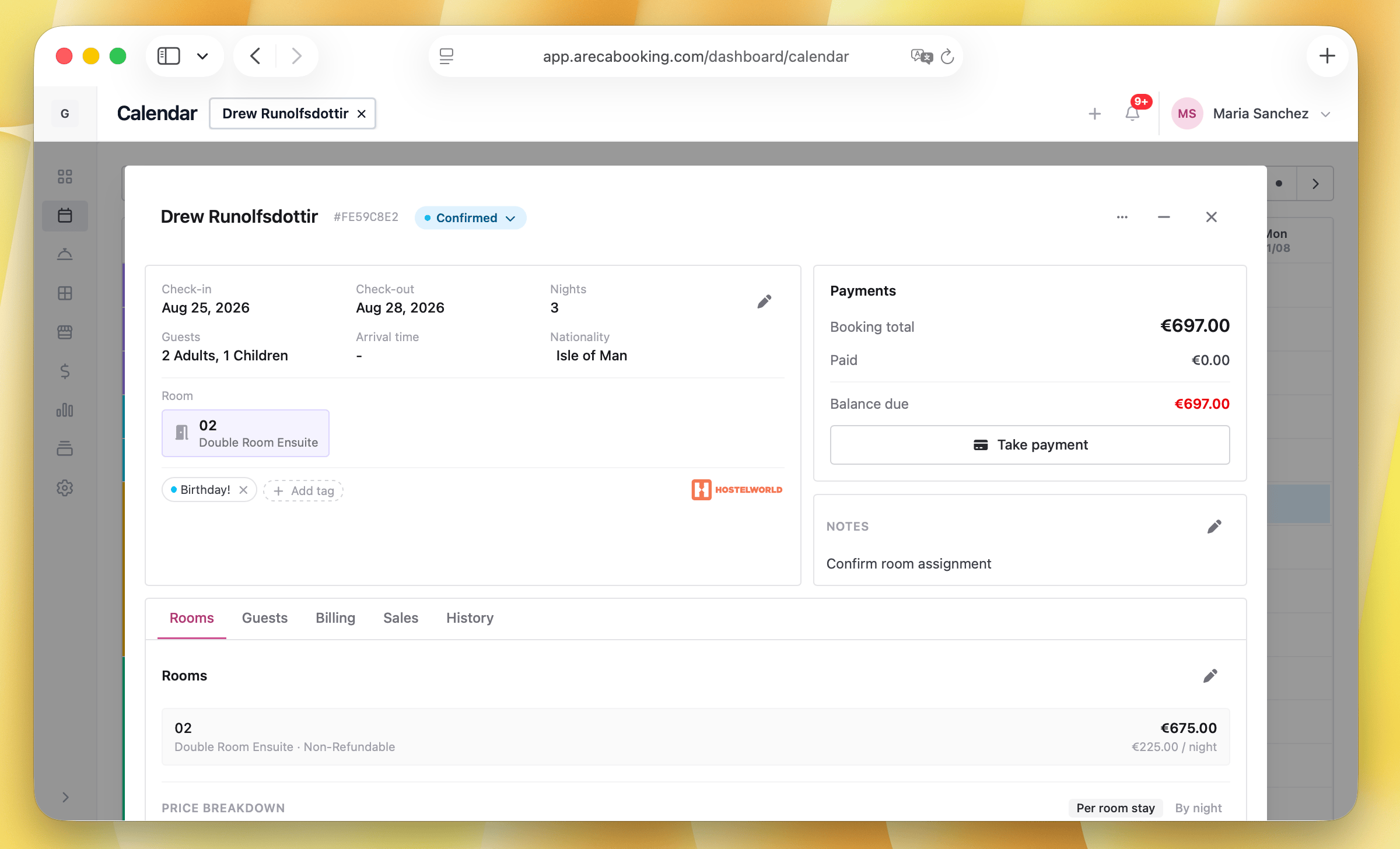
Reservations from every channel appear in the Areca calendar with guest details, rooms, and amounts, ready for check-in.
Changes and cancellations included
When a guest changes dates or cancels on the OTA, the booking in Areca is updated and the freed room goes back on sale.
Instant notifications
Get alerts for new bookings, modifications, and cancellations in real-time.
Bookings in your currency
If a channel pays out in another currency, turn on automatic conversion and its bookings are saved in the currency you work in.
See where bookings come from
Each reservation is marked with its channel, and the booking sources report shows how many nights and how much revenue each OTA brings.
Connect with your OTA property ID
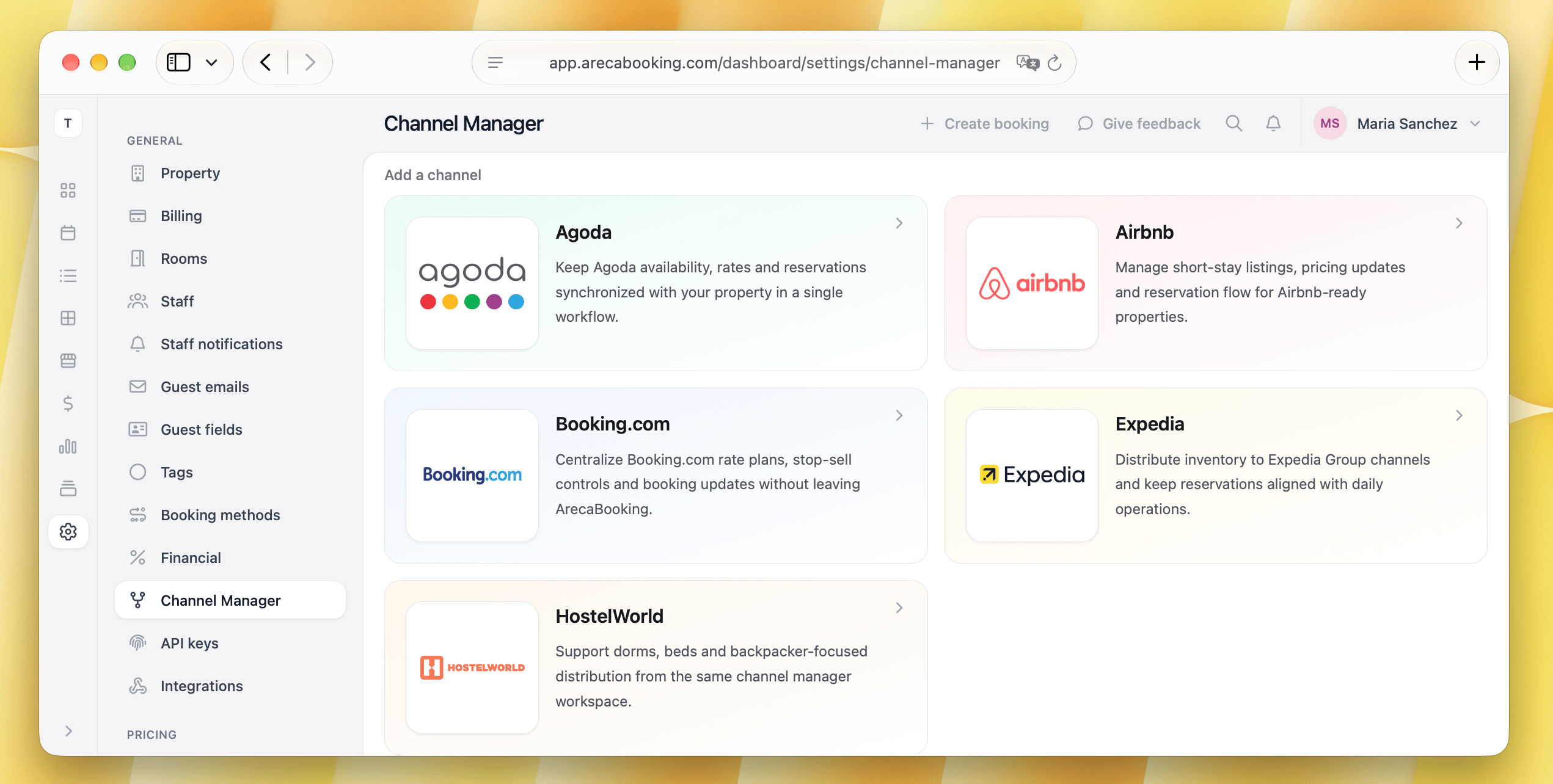
For Booking.com, Expedia, Agoda, Hostelworld, Trip.com, and Despegar, enter your property ID from the OTA, then match its rooms and rates with yours.
Airbnb with a simple sign-in
Sign in to Airbnb from Areca, allow access, and link each listing to the rate plan it should sell.
No second system to log into
The channel manager lives inside your Areca dashboard. No separate account, no extra password, and no copying data between tools.
Works with dorm beds
Hostels can sell shared rooms per bed on Hostelworld and Booking.com, next to private rooms, from the same inventory.